
.svg)





.avif)

Microsoft Dynamics is a natural consideration for law firms that already operate Microsoft 365 across their business. When Outlook, Teams, SharePoint, and Power BI are already part of workflows, extending that ecosystem into CRM feels logical. Some firms implement Dynamics directly, while others use legal-specific layers like Peppermint.
The appeal makes sense, but the gap between a horizontal enterprise CRM and a platform built for legal business development is wider than it appears.
Feature comparison
What Dynamics 365 offers
Dynamics is a broad, capable platform. It offers contact management, pipeline tracking, workflow automation, reporting through Power BI, and integration with the Microsoft stack. The Power Platform enables custom applications, automated workflows, and low-code development.
For firms with strong internal IT teams, Dynamics provides a flexible foundation that can be shaped to fit almost any business process. Security, compliance, and data residency options are enterprise-grade.
What it lacks out of the box
Dynamics has no native understanding of law firm relationships, referral patterns, matter-based workflows, or the legal BD cycle. Building these capabilities requires custom entities, tailored dashboards, configured workflows, and in most cases, a specialist consulting partner.
Relationship intelligence and “who knows who” mapping requires Dynamics 365 Sales, a separate module with its own licensing and learning curve. Email marketing requires Dynamics 365 Customer Insights, another additional module. Implementation timelines of six to twelve months are common, and dedicated resources are required for ongoing maintenance.
What Nexl provides
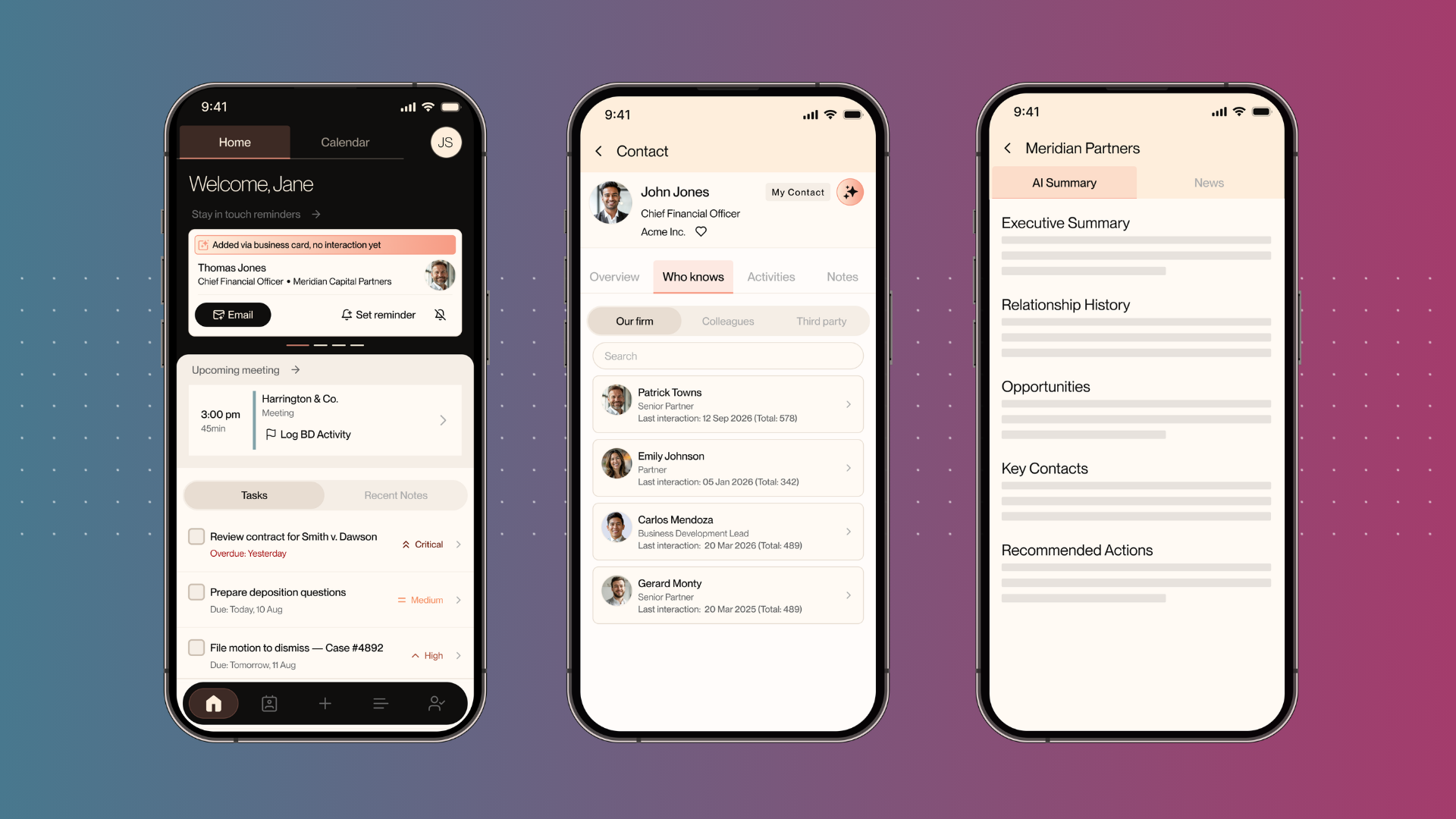
Nexl was built specifically for law firms by ex-lawyers and legal professionals to empower firms to grow their business systematically. The platform captures interaction data automatically, maps connections across the firm, scores relationship strength, and surfaces cross-sell opportunities. Email marketing, campaign analytics, and event management are all available out of the box, and they share the same data, eliminating fragmentation that comes from bolting multiple tools onto a horizontal platform.
Cost and timeline
Dynamics licensing starts at $65 per user per month for Sales Professional and scales to $200 or more for enterprise tiers. Add Microsoft consulting fees, custom development, Introhive licensing, Dynamics Marketing, and ongoing administration, and total cost of ownership climbs significantly. Additionally, there may be a need for a full-time CRM Administrator to manage the system effectively.
Nexl offers per-user pricing, deploys in weeks and includes CRM, relationship intelligence, workspaces, and marketing tools without separate add-ons. For firms focused on CRM and business development, the cost difference is substantial.
Which firms should choose which
Dynamics 365 suits firms that want a unified platform for CRM, ERP, matter management, and operations, and have the Microsoft expertise and budget to maintain a tailored solution.
Nexl is the right choice for firms that want a legal CRM with relationship intelligence that can be deployed quickly and maintained easily.
Ready to transform your firm's growth?
%20(1).avif)
%20(1).png)
%20(1)%20(1).png)
.svg)

%20(1).avif)